Best tablets for work and productivity: the iPad Air M4 still nails the sweet spot
Fast enough for real work, light enough to carry, and cheaper than Pro—its weak spot is the 60Hz screen.
Shortlistd Editorial
Editor
By Editorial Team | April 2026
The iPad Air M4 wins because it gives you real laptop-adjacent speed without dragging you into iPad Pro pricing. It’s the tablet here that makes sense for work, study, travel, and everything in between.
Our picks at a glance
| Pick | Product | Price | Best for |
|---|---|---|---|
| Best overall | iPad Air (M4) | £578.99 | Work, study and travel without paying Pro money |
| Best upgrade | Timecity iPad Pro 13-inch Case | £26.99 | Protecting a 13-inch iPad Pro on the move |
| Best budget | iPad (A16) | £319 | Everyday tablet use without Air-level extras |
| Best reliable | Fire HD 10 | £179.99 | Streaming, reading and casual browsing on a budget |
| Best design | TCL TAB A1 Plus | £259.99 | Big-screen Android tablet use with a smoother display |
| Best protection | Timecity Case for iPad Air 11-inch M4/M3/M2 | £22.49 | Rugged, carry-friendly protection for an iPad Air |
| Best rugged case | SEYMAC Case for iPad A16 | £23.99 | Drop protection for an iPad 11th/10th gen |
Based on hands-on research, expert review consensus (RTings, Wirecutter, relevant subreddits), and current pricing.
Best overall: iPad Air (M4)
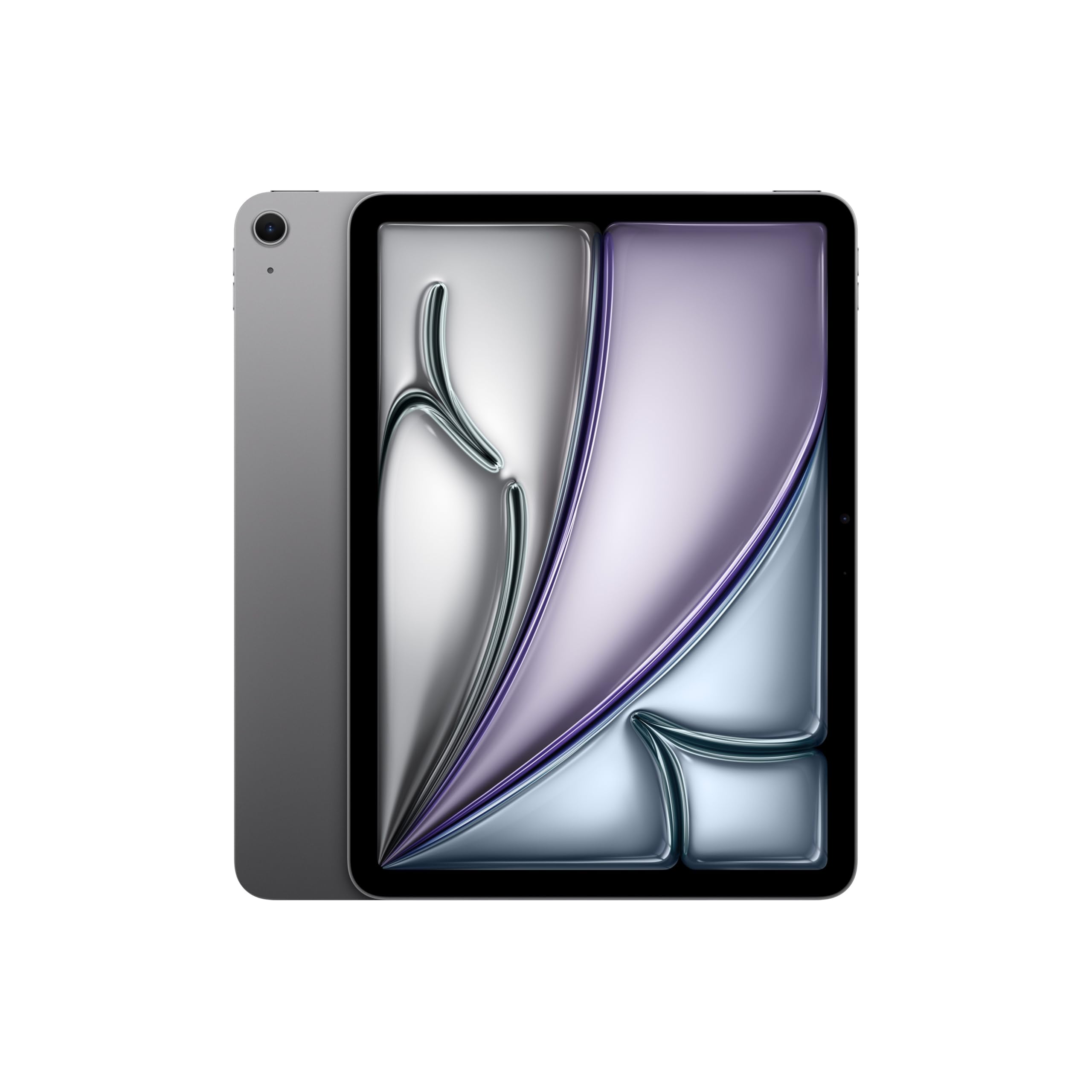
iPad Air (M4) — £578.99
This is the tablet that gives you the most useful mix of speed, portability and longevity for actual day-to-day life. Our score: 8/10. It doesn’t try to win on flashy screen tech; it wins by being the one iPad that can handle work apps, split-screen multitasking and years of updates without feeling underpowered.
Why we picked it:
- The M4 chip gives you proper headroom for heavier apps, multitasking and longer-term use.
- The 11-inch Liquid Retina display is sharp and easy to live with for reading, streaming and browsing.
- Wi‑Fi 7 with Apple’s N1 chip is a real win if your router is modern and you move large files or stream a lot.
The trade-off: the display is still 60Hz and the base 128GB can feel cramped if you store a lot offline. If you want OLED or 120Hz, this is the wrong tier.
If you want the cleanest answer, buy the iPad Air (M4) and stop overthinking it.
Best upgrade: Timecity iPad Pro 13-inch Case
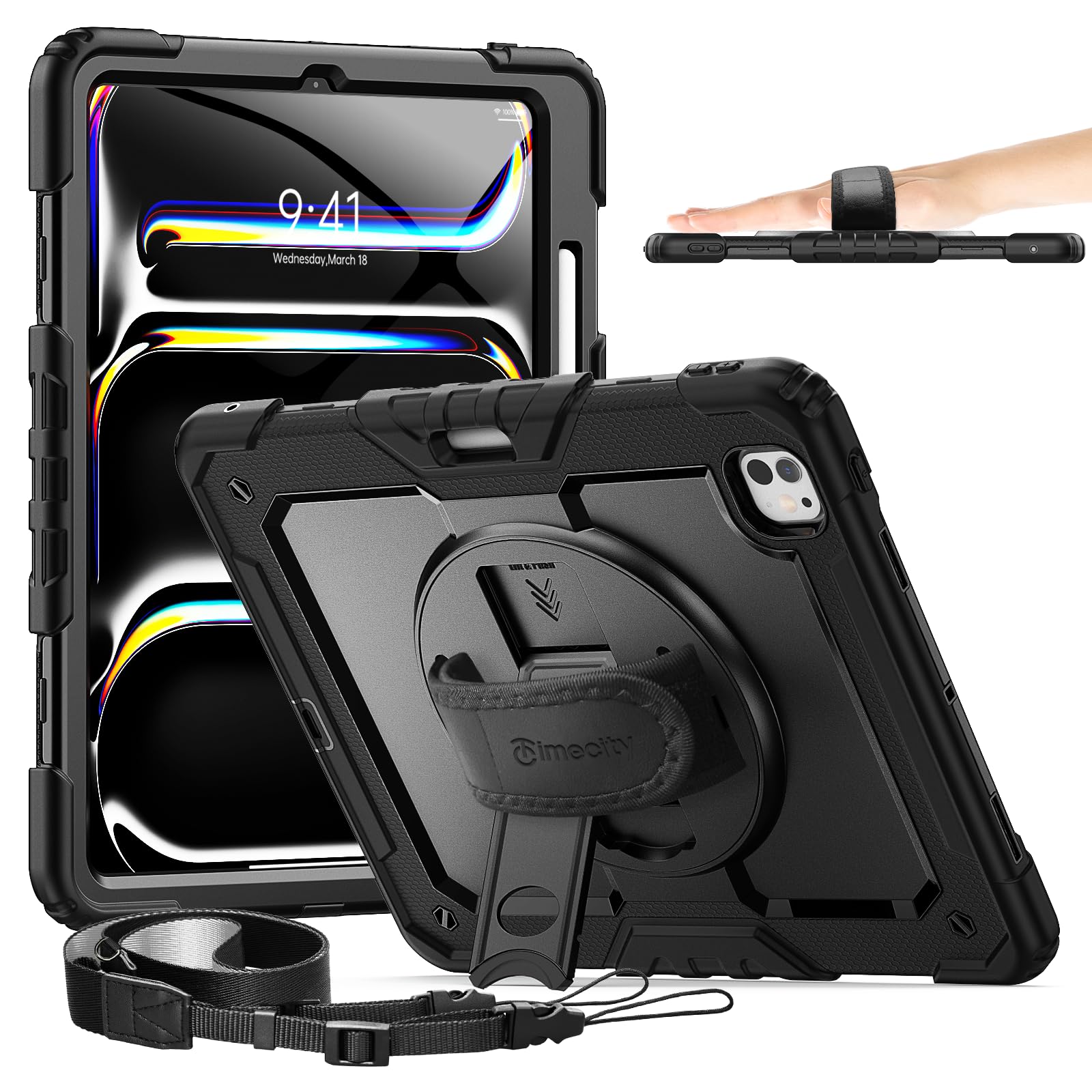
Timecity iPad Pro 13-inch Case — £26.99
The upgrade here isn’t a better tablet — it’s a better protection setup for a bigger, more expensive one. If you carry a 13-inch iPad Pro between home, work and travel, this gives you the sort of drop protection and carry options a slim folio just doesn’t.
Worth it if: you have a 13-inch iPad Pro and want rugged protection with a built-in stand, shoulder strap and pen holder.
Best budget pick: iPad (A16)
iPad (A16) — £319
This is the value play. It gives you the basics most people actually use — streaming, notes, calls and light multitasking — without forcing you into Air pricing, and its 128GB base storage is far less stingy than older entry iPads.
Worth it if: you want the cheapest current iPad that still feels properly fast for everyday use.
Also worth considering
Fire HD 10 — £179.99
The Fire HD 10 is the cheap tablet for people who mostly want a screen for Netflix, books and browsing. It’s not trying to replace a laptop, and that honesty is why it works. The catch is Fire OS and the lock-screen adverts, which are annoying if you want a cleaner, more open tablet.
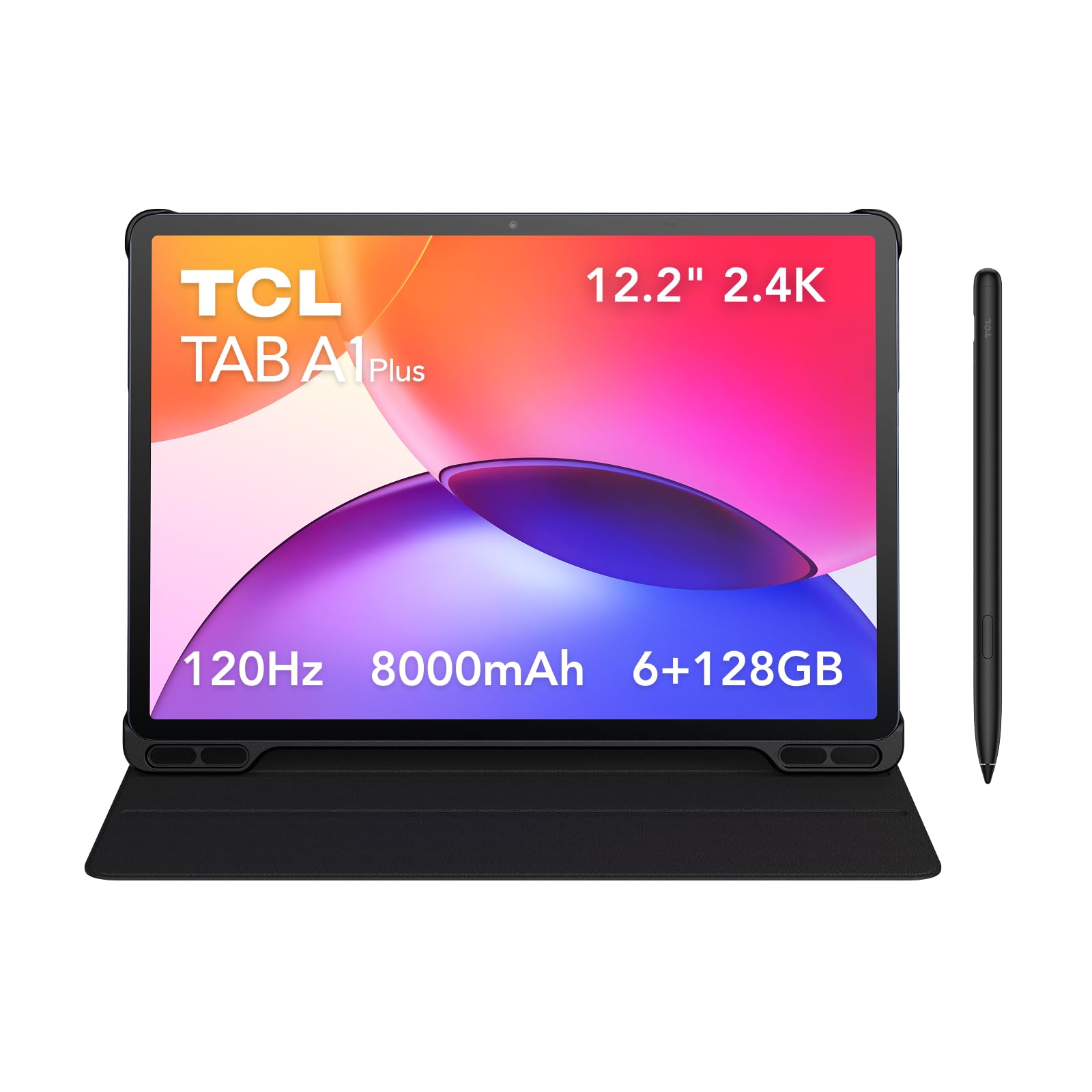
TCL TAB A1 Plus — £259.99
This one makes sense if you want a bigger Android tablet without paying Apple prices. The 12.2-inch 2.4K panel and 120Hz refresh rate are the appeal; the Snapdragon 4 Gen 2 is the compromise, so don’t expect it to feel fast under serious pressure.
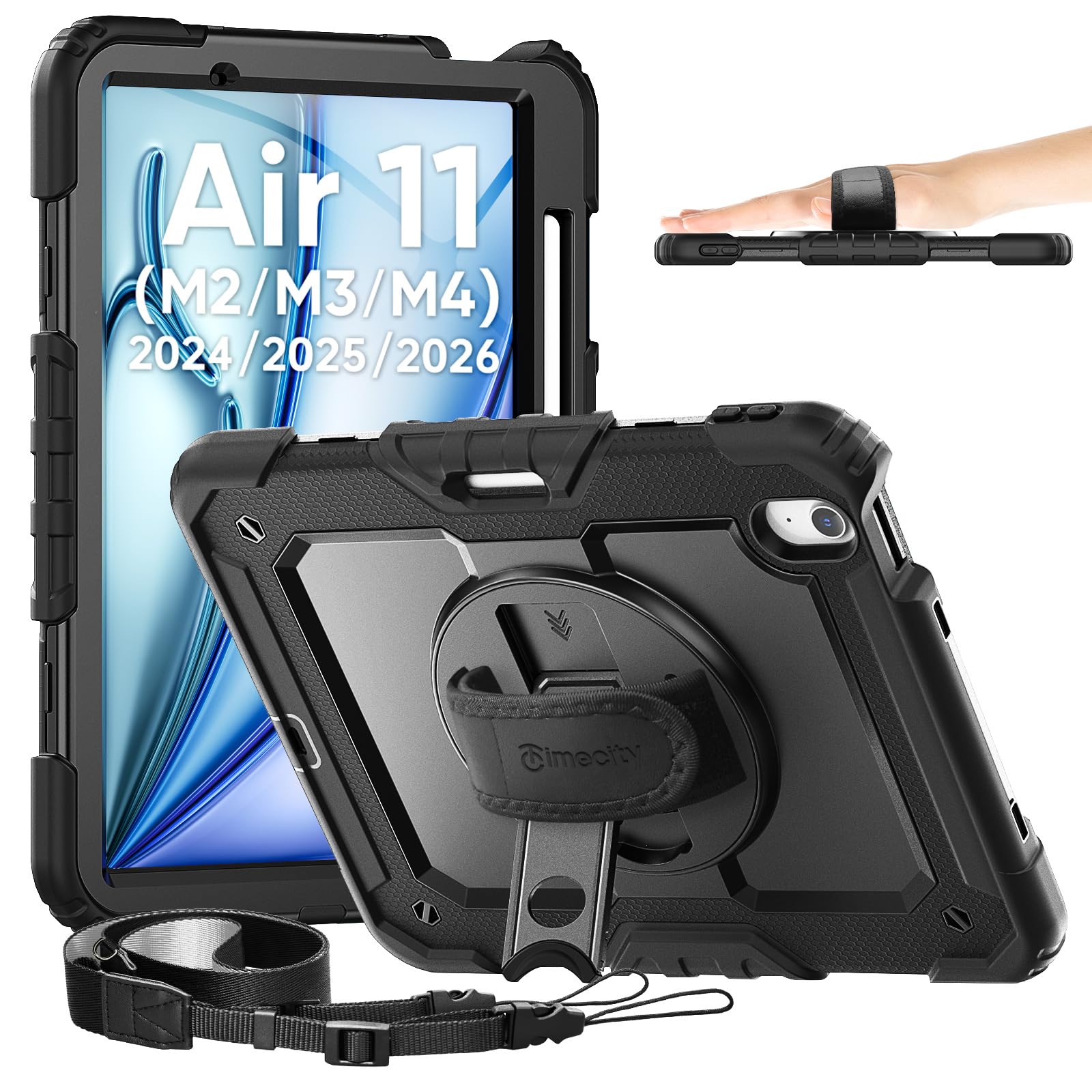
Timecity Case for iPad Air 11-inch M4/M3/M2 — £22.49
A sensible buy if you already own the iPad Air M4 and carry it everywhere. It adds proper shock protection, a rotating stand and a shoulder strap, but it also adds bulk. That’s the point.
SEYMAC Case for iPad A16 — £23.99
This is the rugged option for anyone using the iPad A16 in classrooms, around kids or on commutes. The full-body build and built-in screen protector are practical, but the case is chunky, so it is not for minimalists.
How we chose
We weighted raw speed, screen quality, portability, battery life and the stuff that matters after day three: storage, accessory costs and how annoying the compromises are. For alternatives, we cross-checked current expert reviews and pricing against real-world comparisons from major tech outlets and buyer consensus.
Frequently asked questions
Is the iPad Air M4 better than the standard iPad? Yes, if you care about heavier multitasking, better long-term headroom and a more capable overall tablet. The standard iPad is cheaper, though, and still the right call if you just want a dependable everyday slate.
Why is the iPad Air M4 worth £578.99? Because it sits in the exact place where the upgrades still matter but the Pro tax is gone. You’re paying for speed, portability and Apple’s software ecosystem, not for bragging rights.
Will the base 128GB be enough? Only if you don’t hoard large offline files, big games or creative projects. If you do, step up in storage immediately or buy something else.
Products in this article