Which Wireless Gaming Mouse Should You Actually Buy?
Superstrike wins on click latency and feel, but the price only makes sense if you play FPS seriously.
Shortlistd Editorial
Editor

Which Wireless Gaming Mouse Should You Actually Buy?
By Editorial Team | April 2026
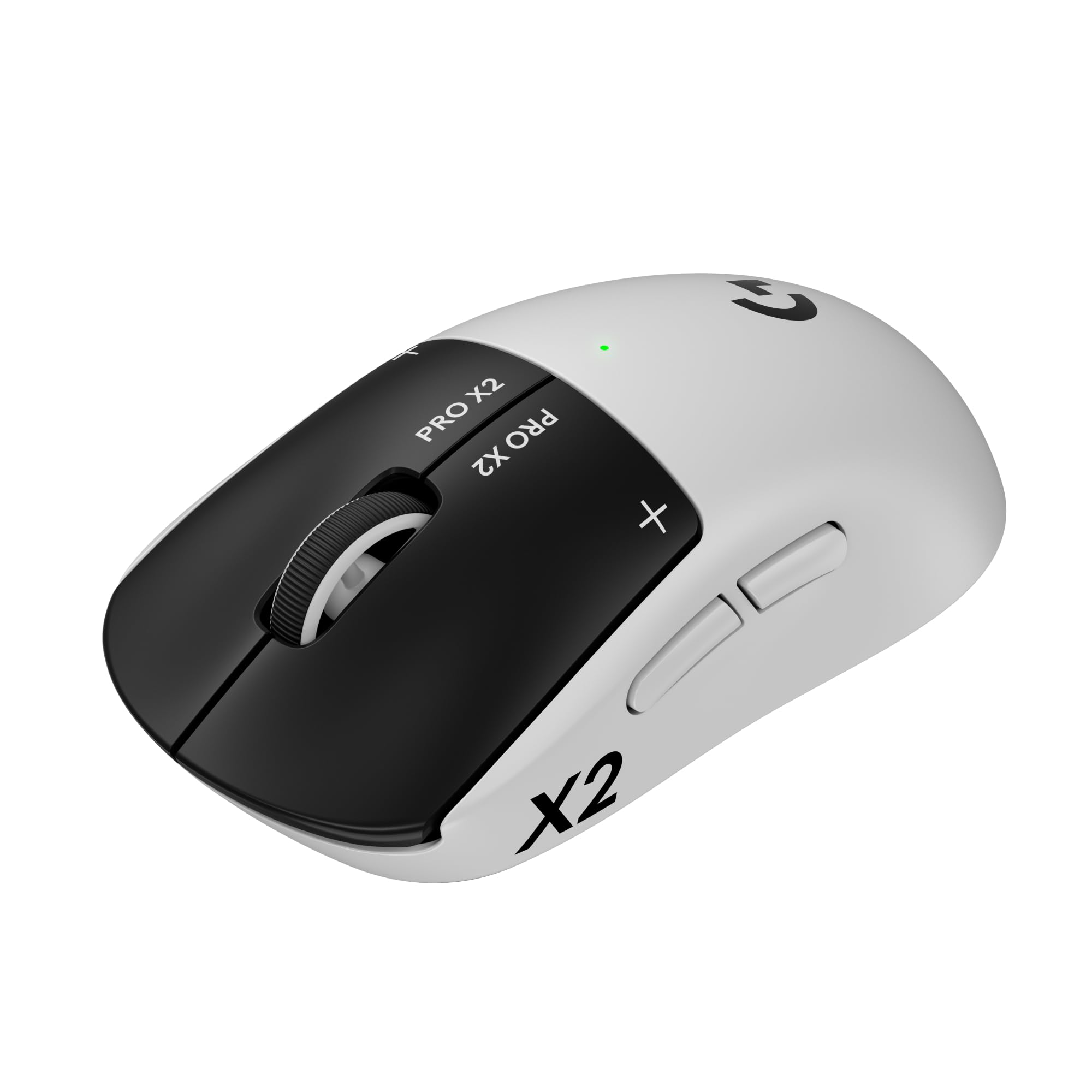
Logitech’s G PRO X2 SUPERSTRIKE is the one to buy if you care about click speed more than extra features. It keeps the familiar Superlight-style shape, but the haptic button system and 8,000 Hz polling are the reason this mouse justifies its £159.99 price.
Our picks at a glance
| Pick | Product | Price | Best for |
|---|---|---|---|
| Best overall | Logitech G PRO X2 SUPERSTRIKE | £159.99 | Competitive FPS players who want the fastest-feeling clicks |
| Best upgrade | Razer Viper V3 Pro | £109.99 | Players who want elite wireless performance without paying Logitech money |
| Best budget | Logitech G Pro X Superlight 2 | £114.67 | Buyers who want Logitech’s shape and top-tier sensor performance for less |
| Best for mixed PC and console gaming | Arctis Nova Pro Wireless | £229 | Players who also need a headset that handles phone and console audio |
| Best for competitive keyboard feel | SteelSeries Apex Pro TKL Gen 3 | £179.99 | Players who care more about adjustable actuation than wireless convenience |
| Best no-drama controller | Xbox Wireless Controller | £49.99 | PC and Xbox players who want a familiar, reliable pad |
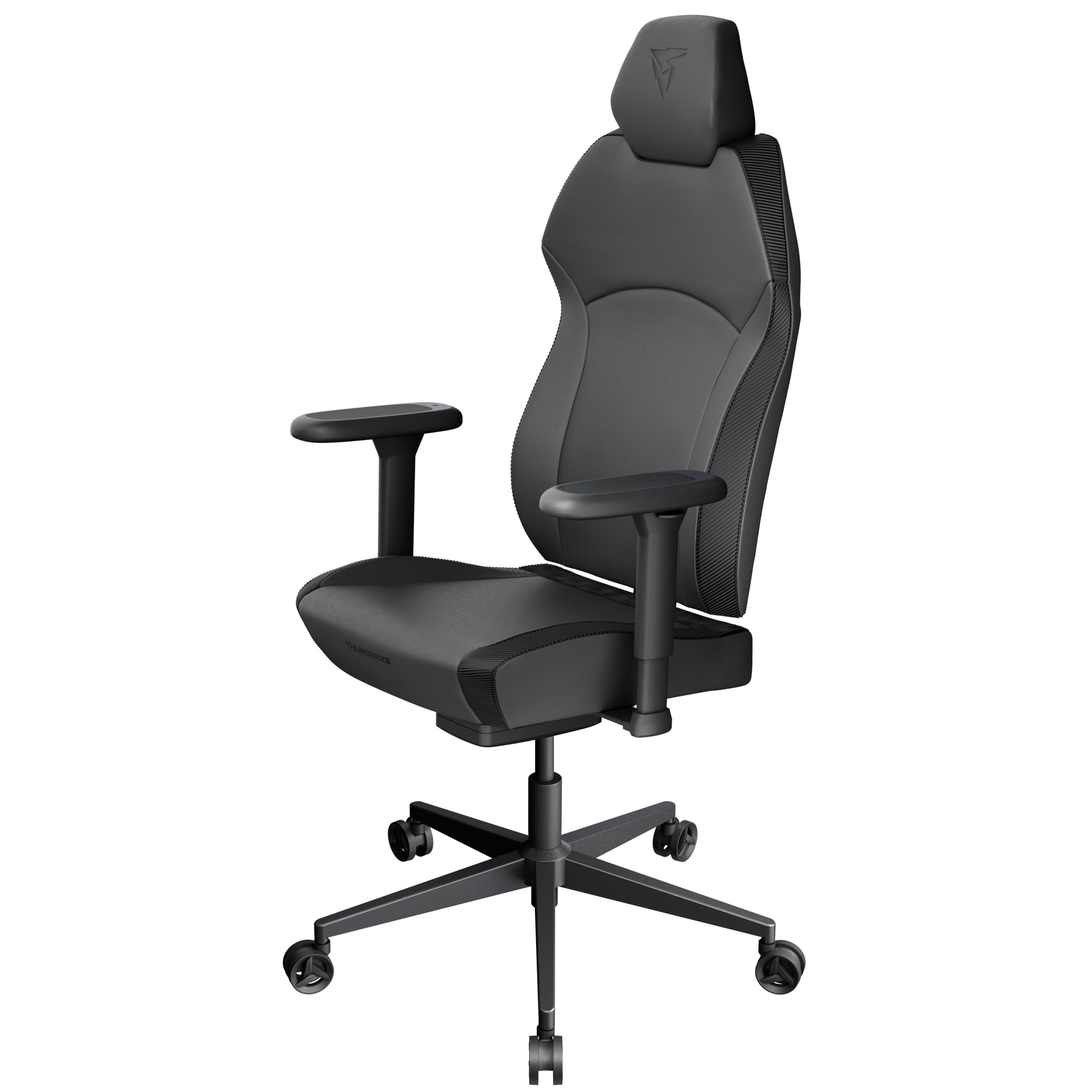
| Best budget chair | ThunderX3 SOLO 360 | £189.95 | Long desk sessions when you want more recline and armrest movement |
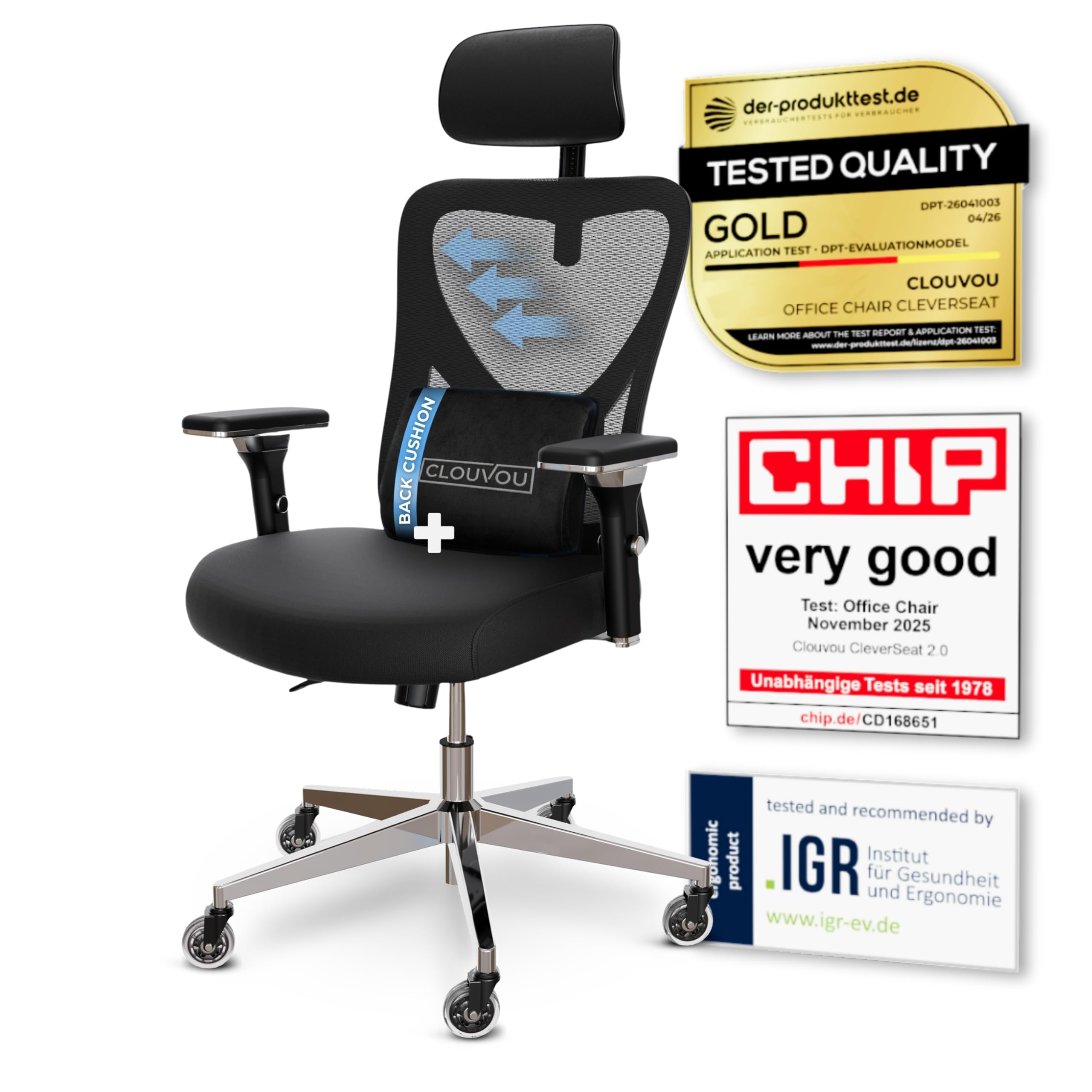
| Best ergonomic office chair | CleverSeat | £149.99 | Home workers who need adjustability and mesh comfort |
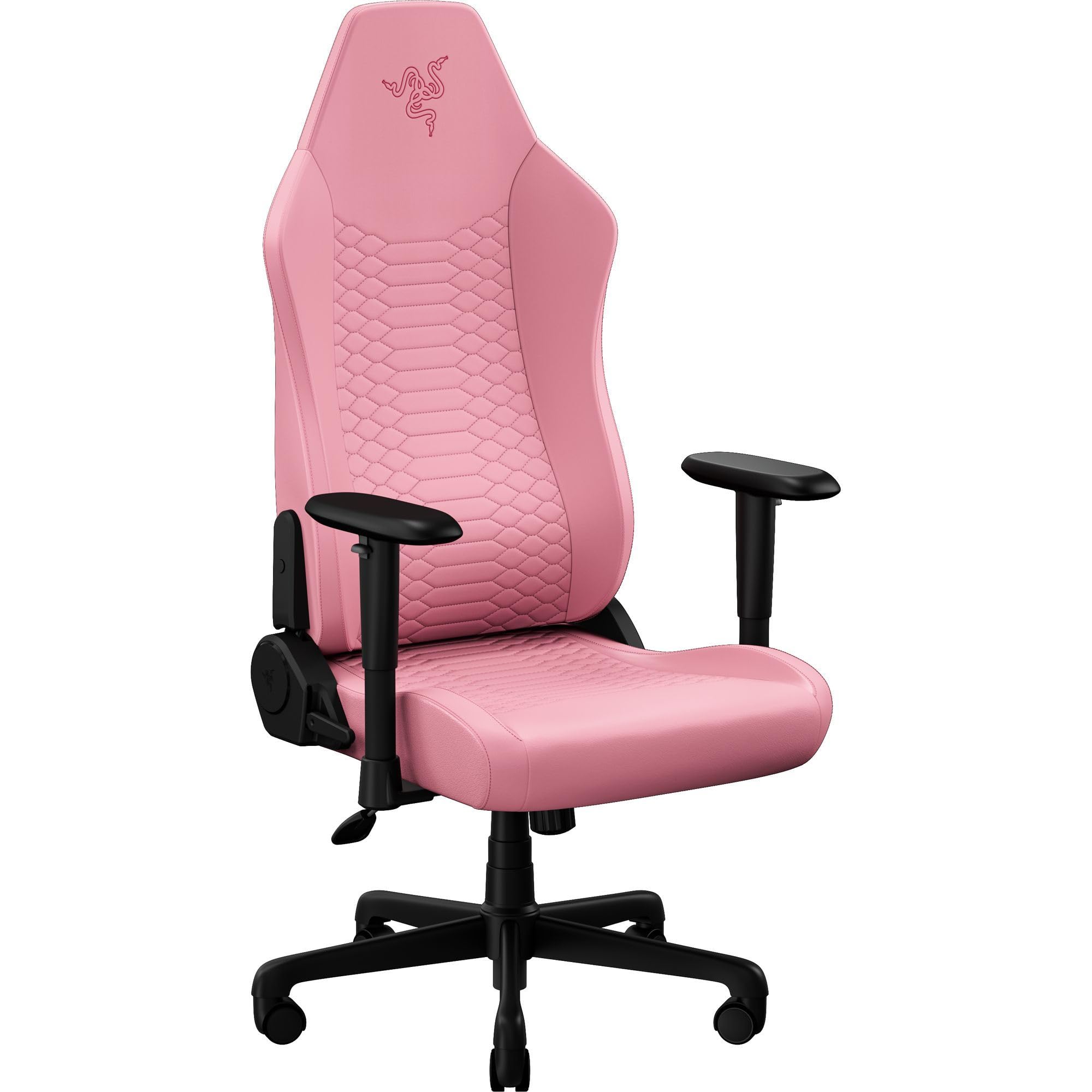
| Best value lumbar chair | Razer Iskur V2 X NewGen | £349.99 | Buyers who want built-in lumbar support and a cooler seat |
| Best fabric comfort chair | Corsair T3 Rush | £229.99 | People who hate sweaty faux leather |
| Best large sit-stand desk | ErGear Electric Standing Desk | £139.98 | Home office users who want a big, affordable standing desk |
| Best budget feature chair | Symino Gaming Chair | £127.49 | Buyers who want a footrest and recline on a tight budget |
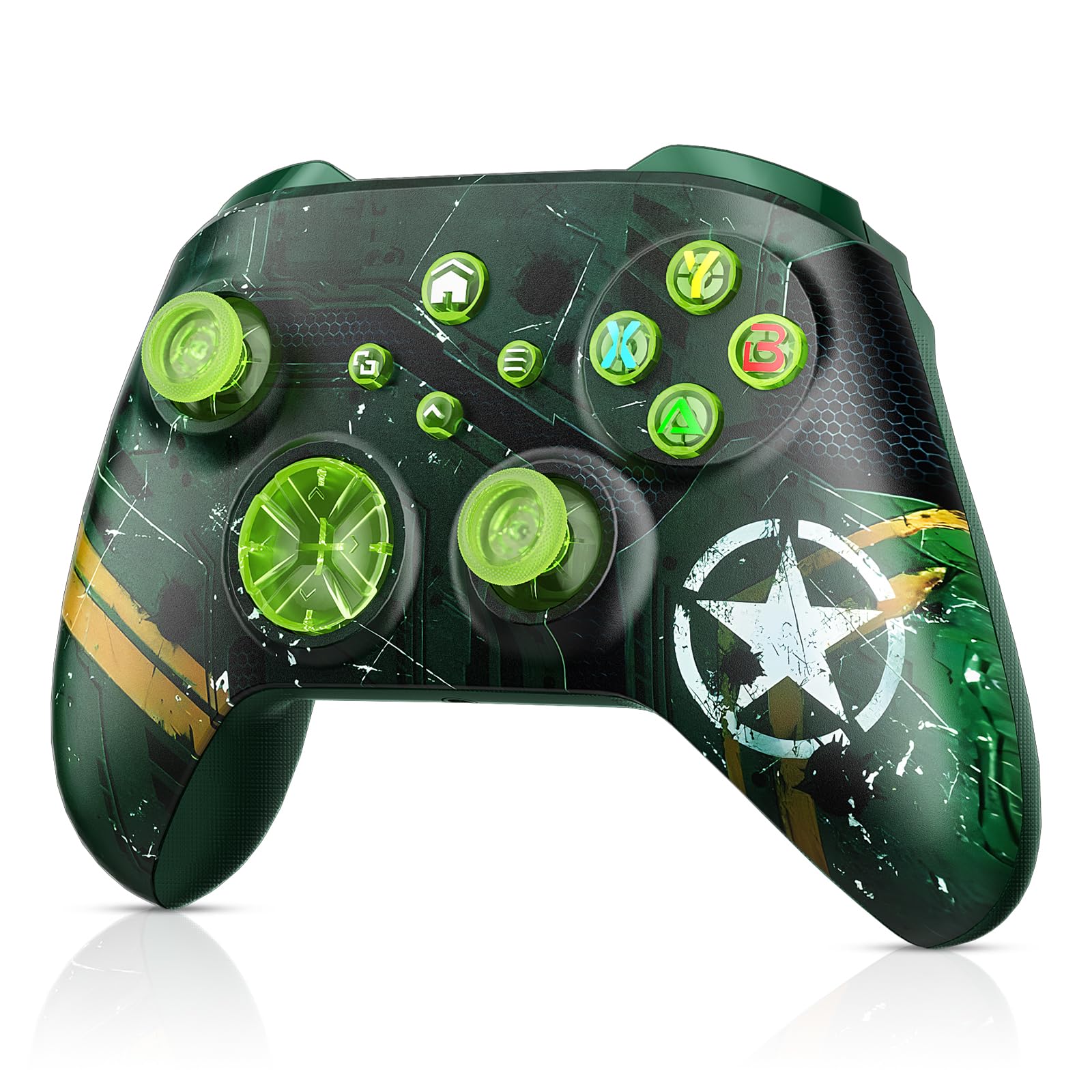
| Best budget extra-buttons controller | Dinosoo RGB Wireless Controller | £39.99 | People who want macros, turbo, and RGB without Elite pricing |
Based on hands-on research, expert review consensus (RTINGS, Wirecutter, relevant subreddits), and current pricing.
Best overall: Logitech G PRO X2 SUPERSTRIKE
Logitech G PRO X2 SUPERSTRIKE — £159.99
This is the mouse for players who know exactly what they’re buying: faster, cleaner inputs. The score is 8.8/10 because Logitech didn’t just tweak the shell; it changed the main buttons with the Haptic Inductive Trigger System, and that matters in fast shooters where click timing is everything.
Why we picked it:
- The click system is the point: tunable actuation and reset points can make inputs feel noticeably quicker than a standard microswitch setup.
- The HERO 2 sensor and up to 8,000 Hz polling keep tracking and response in flagship territory.
- At 61 g, it stays light enough for flick-heavy FPS play without feeling fragile.
The trade-off: you’re paying a lot for a narrow win, and you give up Bluetooth and a dedicated DPI button. TechRadar also noted that the shape is familiar rather than genuinely new, so this is not the mouse for buyers chasing comfort redesigns.
If that trade-off makes sense for your desk, buy the Logitech G PRO X2 SUPERSTRIKE and move on.
Best upgrade: Razer Viper V3 Pro
Razer Viper V3 Pro — £109.99
This is the cleaner buy if you want elite wireless performance and don’t care about Logitech’s experimental click system. RTINGS, Tom’s Hardware, and PC Gamer all place the Viper V3 Pro in the top tier for competitive play, and at around £109.99 it saves you a serious chunk of money.
Worth it if: you want a lighter-feeling competitive mouse with proven esports pedigree and you’d rather put the savings into a better mousepad or monitor.
Best budget pick: Logitech G Pro X Superlight 2
Logitech G Pro X Superlight 2 — £114.67
This is the sensible Logitech option if you want the same general shape and flagship tracking without paying for the SUPERSTRIKE click system. It’s still a serious competitive mouse, and current UK pricing makes it a much easier recommendation for anyone who mostly wants a safe, ultra-light FPS pick.
Worth it if: you want Logitech’s familiar Superlight feel and top-end performance, but you don’t need the haptic button trickery.
Also worth considering
Arctis Nova Pro Wireless — £229
This is not a mouse, and that’s the point: it’s for players who care about a cleaner whole setup, not just one peripheral. The hot-swappable batteries, base station, and Bluetooth support make it excellent for people bouncing between PC, console, and phone, but it’s expensive and still more gaming-first than audiophile-first.
SteelSeries Apex Pro TKL Gen 3 — £179.99
If you want speed at the keyboard instead of the mouse, this is the obvious analogue. The adjustable actuation and Rapid Trigger features are genuinely useful in competitive shooters, but it is wired only, so it won’t suit anyone trying to keep the desk cable-light.
Xbox Wireless Controller — £49.99
This is the safest controller buy for Xbox and PC. It’s comfortable, widely supported, and boring in the best way, but the AA battery setup and lack of pro features mean it’s not for buyers who want paddles or built-in charging.
ThunderX3 SOLO 360 — £189.95
This is the budget chair for people who actually recline and shift position. The SYNC4 mechanism and 360-degree armrests make it more useful than a cheap racing chair, but the missing adjustable lumbar support is a real limitation.
CleverSeat — £149.99
This is the chair for home workers who want mesh, adjustability, and a cooler sit. The 4D armrests and adjustable lumbar support are the real value, but it looks like a hybrid, so it won’t satisfy anyone chasing a more polished premium finish.
Razer Iskur V2 X NewGen — £349.99
This is the pick if built-in lumbar support matters more than endless adjustability. The cooler-feeling upholstery and wider seat base are strong points, but the 2D armrests are basic for the money.
Corsair T3 Rush — £229.99
This is the chair for anyone who runs warm and hates sticky faux leather. The fabric finish and 4D armrests make it comfortable for long sessions, but it is still a gaming chair first, not a proper office task chair.
ErGear Electric Standing Desk — £139.98
This is the easy recommendation if you want a big sit-stand desk without premium pricing. The 160 x 80 cm top and memory presets are useful every day, but the four-part desktop is a compromise you will see every time you sit down.
Symino Gaming Chair — £127.49
This is the cheap chair with the most obvious comfort extras. The footrest and recline make it easy to relax between tasks, but it’s an entry-level chair and won’t age like a proper ergonomic office seat.
Dinosoo RGB Wireless Controller — £39.99
This is for people who want extra features on a budget and don’t mind the setup friction. Macros, turbo, and motion control are useful extras, but the required Windows upgrade before Xbox use is a dealbreaker for plenty of buyers.
How we chose
We prioritised the thing each product actually does better than the obvious alternative: click speed for the mouse, actuation control for the keyboard, reliability for the controller, and usable ergonomics for the chairs and desk. We also checked current pricing and recent review consensus from RTINGS, TechRadar, PC Gamer, Tom’s Hardware, and related retailer listings to make sure the recommendations still make sense now.
Frequently asked questions
Is the Logitech G PRO X2 SUPERSTRIKE worth it for regular gaming? No, not really. It’s built for competitive FPS players who can feel the benefit of faster click response, not for people who mostly want a good all-round wireless mouse.
Why is it more expensive than the Logitech G Pro X Superlight 2? Because the haptic click system is the selling point, not the sensor. If you don’t care about tuning click feel, the Superlight 2 is the better value.
Does it work well for everyday use? Yes, but that’s not why you buy it. The lack of Bluetooth and DPI button makes it less convenient than cheaper all-rounders, so it’s better as a dedicated gaming mouse than a daily office companion.
Products in this article