How to choose a tablet without wasting money on the wrong one
The Surface Pro 11 is the premium Windows 2-in-1 that makes sense if you value OLED, battery life and portability more than bundles.
Shortlistd Editorial
Editor
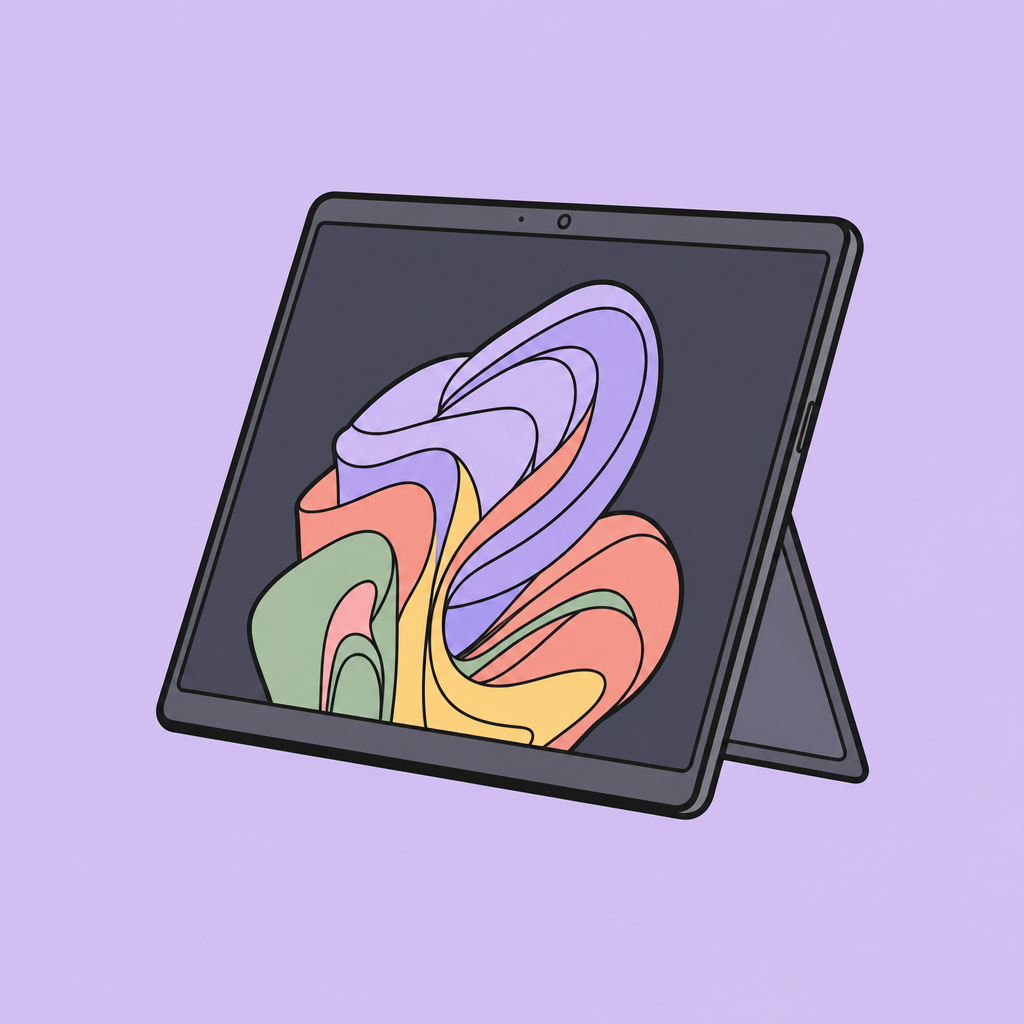
How to choose a tablet without wasting money on the wrong one
By Editorial Team | April 2026
You can buy a tablet and still end up using it like a compromised laptop. Or you can buy a laptop and hate carrying it around on trains, in meetings, and through airports. The mistake is paying for the wrong form factor, not the wrong brand.
The short answer
The Surface Pro 11 is worth it if you want a Windows device that genuinely works as both a tablet and a light laptop. It is not a value buy, and the missing charger plus separate keyboard make that painfully clear.
What actually matters when choosing
The real question is whether you need a detachable 2-in-1 or just want a thin laptop with a touchscreen. Detachables are best when you spend a lot of time in Outlook, Teams, browser tabs, handwritten notes, and video calls. They are worse when you need to use a device on your lap all day, because the kickstand-and-cover setup is always a little less stable than a clamshell.
The screen matters more than the chip for most people. Microsoft’s 13-inch OLED panel is the reason this model stands out: it gives you deeper blacks and better contrast than the standard LCD version, and that shows up immediately in reading, streaming and image-heavy work. PCMag and other reviews also point to the Snapdragon X Elite model as the pick for people who want strong everyday speed without the battery hit of older Windows tablets.
Battery claims are only useful if they survive a workday. Microsoft says up to 14 hours, and independent reviews have generally found the Snapdragon X Elite Surface Pro to be a real all-day machine for office work, even if your mileage drops once you push lots of video calls or heavier apps. That is the difference between a tablet you use and a tablet you leave in a drawer.
Price is the trap. At £1349.99, this is already expensive before you add the keyboard, and Microsoft still does not include the power supply. That means the real cost is higher than the number on the page, which is exactly why you should only buy it if portability and Windows compatibility matter more to you than getting the most hardware for your money.
Our pick: Surface Pro — £1349.99
This is the Windows 2-in-1 for people who actually want to carry one device instead of a laptop plus a tablet. The 8/10 score makes sense: the 13-inch OLED touchscreen, Snapdragon X Elite chip, 16GB RAM, Wi-Fi 7 and built-in kickstand make it feel polished for work, travel and note-taking, and the up to 14-hour battery promise is believable for a cloud-first professional.
Why it works:
- The OLED screen is the headline feature here, and it earns the hype by making text, video and dark UI work look noticeably better.
- The Snapdragon X Elite is the right chip for a slim Windows device: quick in everyday use, efficient, and better suited to battery life than older Intel-based detachables.
- The kickstand makes it far more useful than a normal tablet for typing, sketching and video calls, especially if you live in Microsoft 365.
Worth skipping if: you want the cheapest way to get a Windows tablet, or you expect a laptop-like package out of the box. The accessory tax is real, and you will feel it.
If you want the cleanest route to the product, buy the Surface Pro here.
Also worth considering
The Lenovo Yoga 9i 2-in-1 Aura Edition is the better call if you want a true premium clamshell-first laptop that still flips into tablet mode, while the Lenovo ThinkPad X12 Gen 2 Detachable makes more sense if you want a business-focused detachable and can live with a smaller, less ambitious screen.
Frequently asked questions
Do you need the keyboard to use the Surface Pro properly? Yes. Without it, you have a very good tablet — not a full laptop replacement.
Is the Surface Pro 11 better than an iPad for work? If your work lives in Windows apps, Microsoft 365 and browser-based tools, yes. If you mainly want media, drawing or casual use, an iPad is still simpler and usually cheaper once you factor in accessories.
Products in this article
