How to choose a monitor arm without wasting money on the wrong one
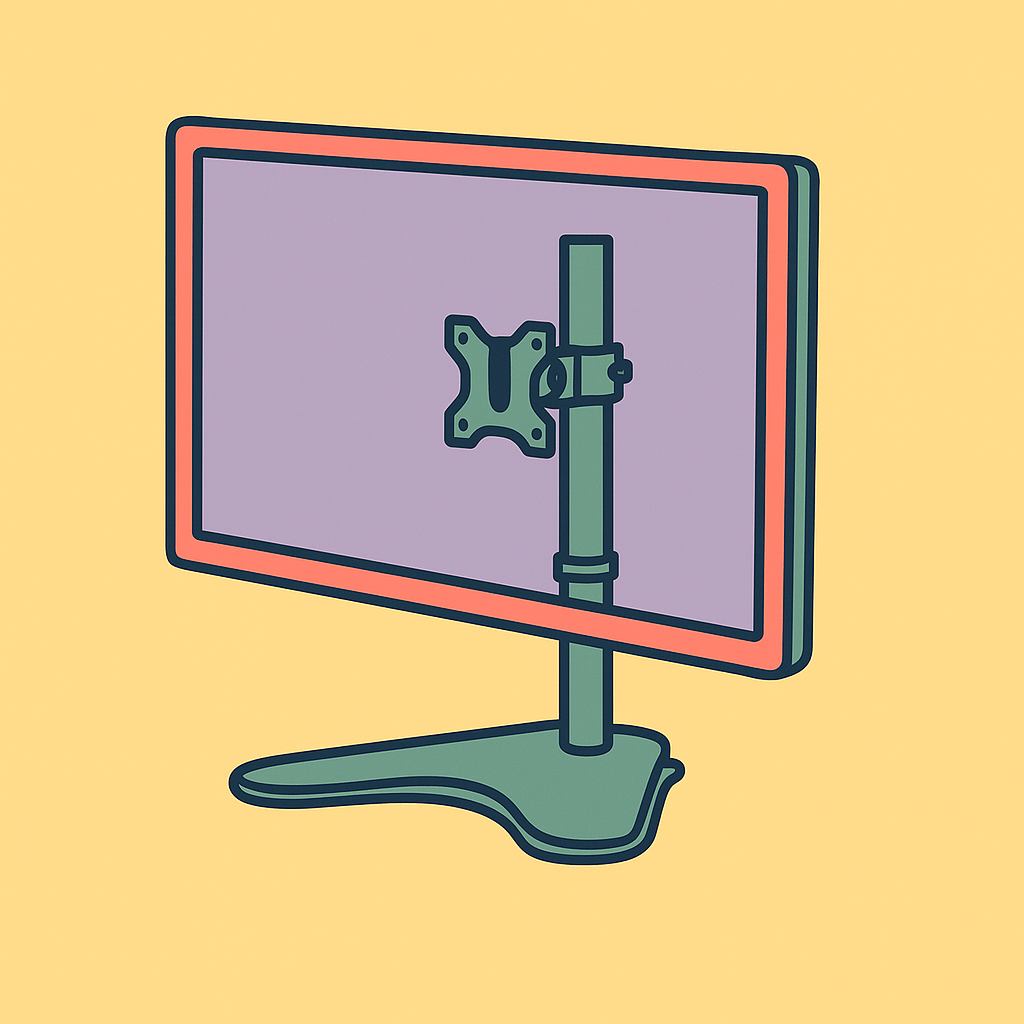
A freestanding monitor arm makes sense when clamp mounts won’t work — but it won’t clear your desk completely.
Shortlistd Editorial
Editor
By Editorial Team | April 2026
You want a better screen height, less neck strain, and a desk that doesn’t look like cable chaos. The trap is buying the wrong kind of monitor arm and discovering too late that it solves one problem while creating another.
The short answer
The answer depends on your desk. The Fellowes Seasa Freestanding Single Monitor Arm is a smart buy if you want ergonomic adjustment without drilling, clamping, or using a grommet hole. If your main goal is total desk clearance, skip freestanding and buy a clamp arm instead.
What actually matters when choosing
A monitor arm is mostly about fit, not hype. The first thing to check is weight and size: this one supports screens up to 32 inches and 8kg, which covers a huge slice of standard office monitors. That’s the useful middle ground — enough for most people, not enough for heavy ultrawides or awkward oversized displays.
The second thing is mounting style. Clamp arms usually free up more desk space, but they need a suitable edge and they are not always possible on thinner, fragile, or awkward desks. A freestanding base is the compromise: it gives you monitor height adjustment and rotation without asking anything from the desk itself.
The third thing is movement. Fellowes gives you 360° rotation, 120° pan, and 45° tilt, plus VESA 75 x 75 and 100 x 100 compatibility. That matters because standard VESA fit is what stops a monitor arm from becoming a return headache, and the movement range is enough for portrait mode, shared screens, and getting the panel out of glare.
Wirecutter’s monitor-arm guidance points in the same direction: most people are not buying for extreme weight, they’re buying for comfortable positioning and easier desk setup. That is why the boring specs matter more than the marketing.
Our pick: Fellowes Seasa Freestanding Single Monitor Arm — £32.99
This is a solid, no-drama choice for a single-monitor work setup. It scores 7.1/10, and the reason is simple: it does the job well enough, with the right limits, at a sensible price.
Why it works:
- Supports up to 32-inch, 8kg monitors, which suits most home-office screens.
- 360° rotation, 120° pan, and 45° tilt make it easy to dial in a better viewing angle.
- Freestanding mounting means you get ergonomic lift without needing a clamp edge or drill hole.
Worth skipping if: you want to reclaim as much desk space as possible, or you want a premium gas-spring arm that moves with one hand.
If your desk can spare the base, buy the Fellowes Seasa Freestanding Single Monitor Arm and stop overthinking the mount.
Also worth considering: a clamp-style monitor arm
If your desk edge is suitable and space is tight, a clamp arm is the better buy. It usually clears more of the desktop than any freestanding base, which is the whole point if you’re trying to claw back room for a keyboard, notebook, or second screen.
Frequently asked questions
Will a freestanding monitor arm be as stable as a clamp arm?
Usually yes for a standard single monitor, but the base still takes up desk space. Clamp arms can feel cleaner because they anchor to the edge of the desk instead.
Do I need VESA 75 x 75 or 100 x 100?
Yes, if you want this arm to fit properly. Those are the standard mounting patterns on most monitors, so checking before you buy avoids the usual compatibility mess.
Products in this article
